Getting Started
This guide walks you through your first minutes on Alien Intelligence — from signing in to understanding where everything lives.
Prerequisites
- A modern web browser (Chrome, Firefox, Safari, or Edge)
Sign Up
Anyone can create an account directly on the platform:
- Navigate to app.alien.club.
- Click Get Started. You will be redirected to the sign-in page.
- Create an account or authenticate using one of the available methods:
- Email and password
- Google, GitHub, or another configured OAuth provider
- After authentication, you are redirected back to the platform.
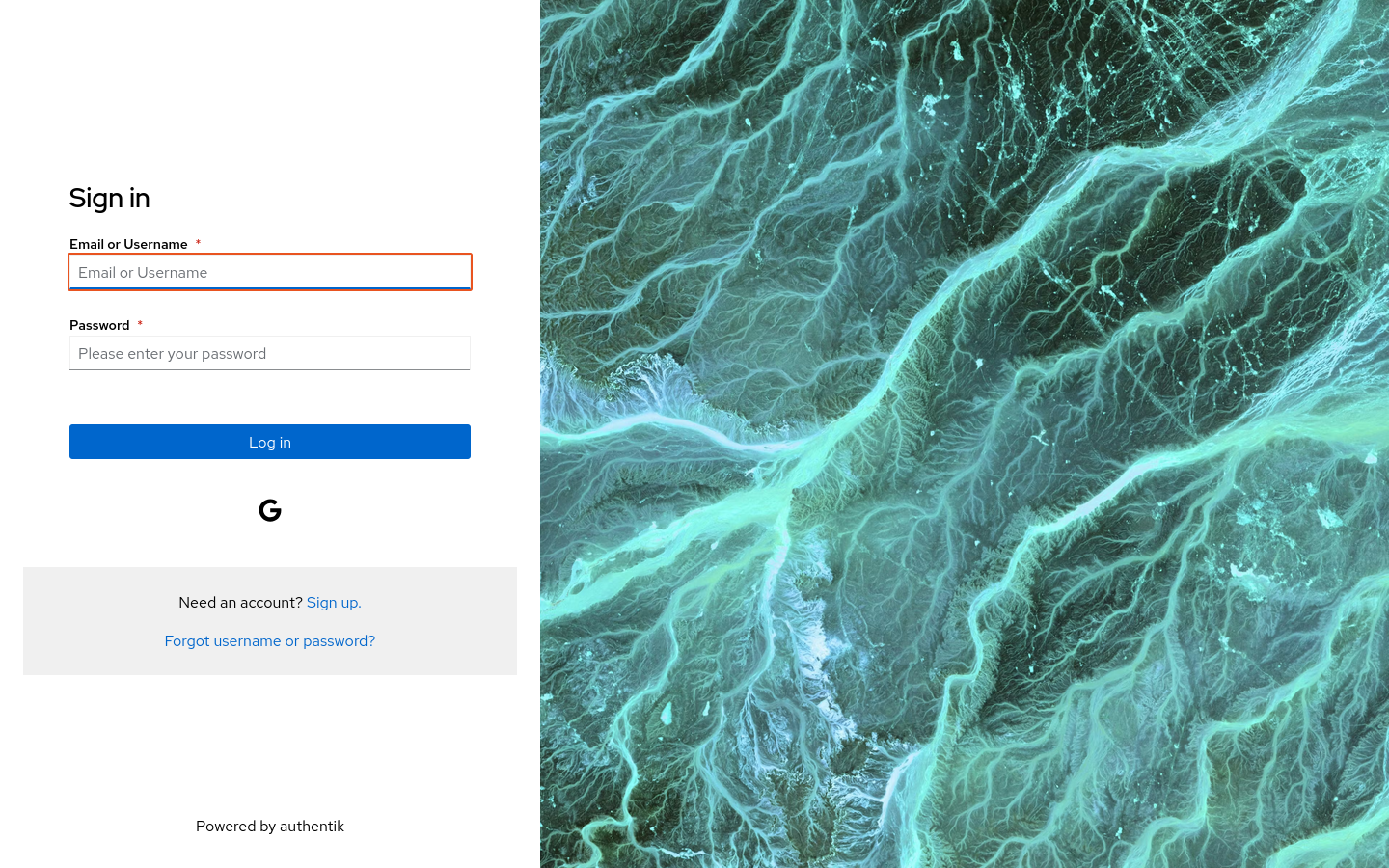
On first login, the platform automatically creates a personal organization for you. If you were invited to an existing organization, you will be added to it after accepting the invitation.
The Dashboard
After signing in, you land on the dashboard. This is your home base for managing data clusters, datasets, and workflows.
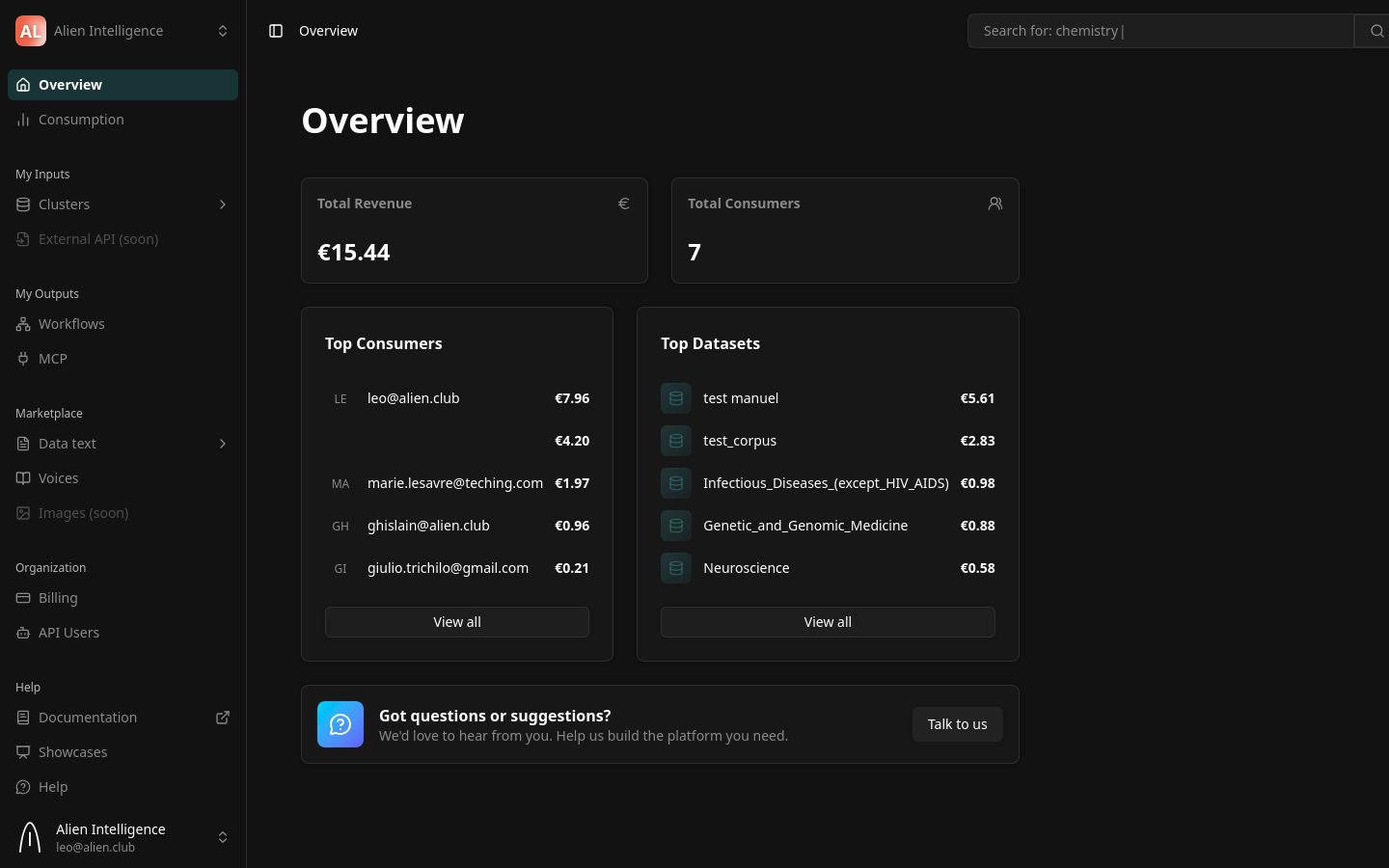
The overview page shows:
- Total Revenue — Your current revenue from data consumption
- Total Consumers — The number of consumers accessing your data
- Top Consumers — A ranked list of your most active consumers
- Top Datasets — Your most popular datasets by usage
- Onboarding Checklist — A progress card that tracks whether you have created a cluster, a dataset, and a workflow, with quick links to complete each step
- Feedback — A card to share feedback directly with the team
Navigation
The left sidebar is the main navigation. At the top is your organization selector (see below). The sidebar is organized into groups:
| Group | Section | What You Find There |
|---|---|---|
| (top) | Overview | Revenue, top consumers, top datasets, and onboarding checklist |
| (top) | Consumption | Usage analytics and execution history |
| My Inputs | Clusters > Resources | Your data clusters, datasets, cluster settings |
| My Inputs | Clusters > Activity | Recent sync activity and operations |
| My Outputs | Workflows | AI workflow editor for building processing pipelines with a visual canvas |
| My Outputs | MCP | AI agent (MCP server) management |
| Marketplace | Data text | Browse public datasets by category (Health, Science, and more) |
| Marketplace | Voices | Discover curated voices and content |
| Organization | Billing | Subscription and usage billing |
| Organization | API Users | API user management (Enterprise only) |
| Help | How it works | Platform explainer |
| Help | Showcases | Example use cases |
| Help | Help | Contact support and share feedback |
The top navigation bar contains a search bar for finding datasets, tags, and workflows across the platform, and a breadcrumb trail showing your current location.
Your Organization
Everything on Alien Intelligence is scoped to an organization. An organization is the boundary for:
- Data clusters — Each cluster belongs to one organization
- Datasets — Created within clusters owned by the organization
- Members — Users who can access the organization's resources
- Billing — Subscription and usage tied to the organization
- API tokens — Scoped to the organization's resources
If you belong to multiple organizations, you can switch organizations from the dropdown at the top-left of the navigation by clicking on your organization name.
Most users belong to a single organization. If your team has already set up the organization, you can skip straight to working with clusters and datasets.
For Alien Hosted Customers
If your organization uses the Alien Hosted deployment (the default for most customers), your infrastructure is already set up:
- A default data plane is pre-configured and managed by Alien
- You can create data clusters directly from the dashboard
- Infrastructure provisioning, updates, and monitoring are handled by Alien operations
You do not need to set up Kubernetes, deploy operators, or configure networking. Start by creating a data cluster and then creating a dataset.
For On-Premise Enterprise Customers
If your organization deploys data clusters on your own infrastructure, additional setup is required before you can start processing data:
- Create a data plane — Register your Kubernetes cluster with the platform. See Create a Data Plane.
- Deploy the operator — Install the data cluster operator on your infrastructure using the registration token.
- Create data clusters — Once the operator is running and connected, create clusters from the dashboard.
On-premise deployment requires a team with Kubernetes management experience. Contact us at contact@alien.club if you need guidance on the setup process.
Next Steps
You are ready to start working with data. Choose your path based on your deployment mode:
Alien Hosted (most users):
- Create a Data Cluster — Provision an isolated environment for your data
- Create a Dataset — Define a dataset and configure its processing pipeline
- Upload Documents — Add files to your dataset and watch them get processed
- Search and Query — Find information across your processed documents
On-Premise (enterprise):
- Create a Data Plane — Register your Kubernetes infrastructure with the platform
- Create a Data Cluster — Provision a cluster on your data plane
- Then follow the Alien Hosted path above starting from step 2